
Best eSIM for New Zealand
Should I buy an eSIM for New Zealand and which is best?
Yes, an eSIM is the best connectivity solution for most visitors. Airalo, Holafly, and Saily are reliable options with New Zealand coverage from NZD 12-35 for 5-15GB plans. Roam runs on Spark's network (best rural coverage). Whatever you buy, understand that rural NZ — particularly Fiordland, West Coast, and parts of Northland — has genuine dead zones that no eSIM can fix.
Mobile connectivity in New Zealand: the honest picture
New Zealand has three main mobile network operators: Spark (formerly Telecom NZ), One NZ (formerly Vodafone), and 2degrees. Coverage maps on their websites look comprehensive, but anyone who has driven Fiordland roads, tramped the West Coast, or taken the back way to Glenorchy knows the reality: rural New Zealand has some of the most dramatic dead zones in any developed country.
This is not a failing of the eSIM providers — it is a consequence of New Zealand’s geography. The South Island’s spine of mountains, the deeply indented fiords of Fiordland, the relative isolation of the West Coast, and the sheer low population density of large areas mean infrastructure investment is limited. No operator — and therefore no eSIM — can provide signal where no towers exist.
Understanding this from the outset is more useful than hunting for the “perfect” provider.
| Where | Nationwide — but rural South Island has real gaps |
| Cost | around NZD 12-60 for a 2-3 week data plan |
| Time needed | Set up 10-15 min before departure |
| Getting there | Buy via app, activate on arrival |
| Best network | Spark, for the widest rural coverage |
New Zealand network coverage summary
| Network | Best coverage areas | Rural gaps |
|---|---|---|
| --------- | -------------------- | - |
| Spark | Best nationwide rural coverage; government infrastructure contracts | Limited West Coast; dead in deep Fiordland |
| One NZ | Strong Auckland and major cities; good North Island rural | Weaker South Island rural |
| 2degrees | Strong in cities and main highways | Weakest rural coverage overall |
For most eSIM providers, Spark’s network gives the best rural coverage. When comparing eSIM options, check which NZ network the eSIM runs on.
eSIM vs. buying a local SIM card
Local SIM card (physical): Available at airports (Spark and One NZ stores at Auckland and Christchurch international terminals), convenience stores (Countdown, New World, Pak’nSave), and phone shops in cities. A Spark 4GB prepaid SIM costs approximately NZD 30 (USD 18 / EUR 16.50); a 15GB plan around NZD 55 (USD 33 / EUR 30). You get a New Zealand number, which some activities and operators require for booking confirmations.
eSIM: Activated before departure, no physical swap, usually data-only (no NZ phone number), often slightly cheaper for shorter trips. Works perfectly for most travellers whose contact number is handled via WhatsApp, iMessage, or email.
When to choose local SIM: If you want a NZ number for local calls, or if your eSIM-compatible phone does not allow dual SIM (keeping home SIM + adding eSIM). If you’re on a working holiday for 12 months, a local SIM contract makes more economic sense than eSIMs.
When to choose eSIM: Short trips (1-3 weeks), when you want to set up connectivity before boarding the plane, or when you want to keep your home number active on the same phone via dual SIM.
Recommended eSIM providers for New Zealand
These are the providers consistently reviewed as working well for NZ travel. Prices are approximate mid-2026 and change frequently.
Airalo
- Plans from approximately USD 4.50 for 1GB to USD 26 for 20GB
- Runs on Spark or One NZ network depending on plan tier
- Purchase via app before departure; activation takes under 5 minutes
- Best for: budget-conscious travellers who need moderate data
Holafly
- Unlimited data plans (fair use policy typically 500MB-1GB/day after which speeds throttle)
- Approximately EUR 27 for 7 days, EUR 47 for 15 days
- Runs on Spark network
- Best for: heavy data users who want not to think about gigabytes
Saily (by NordVPN)
- Plans from approximately USD 3.99 for 1GB; 20GB around USD 19
- Spark network
- Best for: travellers who value provider reputation and simple UX
Nomad
- 10GB for approximately USD 20; 20GB for USD 35
- Network varies; check at purchase
- Best for: travellers already familiar with the Nomad app from other destinations
KnowRoaming / Ubigi: Functional but generally more expensive than the options above for comparable data.
Roam (by 2degrees): Worth checking if you need a NZ number alongside data — it is a hybrid local/eSIM product.
How much data do you actually need
| Usage pattern | Data needed (2 weeks) |
|---|---|
| Navigation only (Google Maps offline-enabled) | 2-3GB |
| Navigation + social media (moderate) | 5-8GB |
| Navigation + streaming (music, podcasts) | 8-12GB |
| Video calls daily + navigation + social | 12-20GB |
| Streaming video (Netflix etc.) | 20GB+ |
Pro tip: Download Google Maps offline data for New Zealand regions before you leave high-speed Wi-Fi. Offline maps are excellent and work without signal — crucial for rural navigation where your eSIM will have no signal anyway. Go to Google Maps > your profile > Offline Maps > Select an area. Each NZ island requires a separate download.
Similarly, download Spotify playlists or podcasts for offline listening. A 2-week road trip with streaming music on would easily consume 5GB of data unnecessarily.
Coverage reality by region
Good coverage (eSIM works well):
- Auckland and North Island main highways (SH1, SH2)
- Rotorua, Taupo, Wellington, Napier
- Christchurch, Dunedin, Queenstown, Wanaka
- Main highways in Canterbury and Otago
Patchy coverage (expect drop-outs):
- West Coast South Island (Franz Josef to Haast — genuinely remote)
- Northland north of Kaitaia
- Parts of Marlborough Sounds
- Coromandel Peninsula interior
Dead zones (plan accordingly):
- Milford Sound road from Te Anau (no signal for approximately 100km)
- Fiordland interior
- Deep Tongariro backcountry
- Most DOC backcountry huts and tramping tracks
- Chatham Islands (limited coverage even with local SIM)
The Milford Sound dead zone is important to know: if you are driving to Milford Sound, download offline maps, have the accommodation address saved offline, and do not count on WhatsApp or navigation working for most of the drive after the Te Anau township.
Wi-Fi in New Zealand
Free Wi-Fi is widely available in:
- Cafes and restaurants (ask for the password)
- Libraries (excellent free Wi-Fi, usually unlimited time)
- Auckland, Wellington, and Christchurch CBD public areas
- Most hostels and hotels (included in room rate)
- McDonald’s, Starbucks, and chain cafes
Accommodation Wi-Fi quality varies enormously. Budget hostels often have shared Wi-Fi that cannot support video calls. Airbnb quality is unpredictable. If reliable Wi-Fi is important for remote work, confirm speeds with the host before booking, or get a sufficient eSIM data plan to be self-sufficient.
Connectivity for Great Walks and backcountry hiking
If your trip includes any of the Great Walks — Milford Track, Routeburn, Kepler, Abel Tasman Coast Track, or the others — plan for zero signal for most of the walk. DOC huts on the Great Walks do not have Wi-Fi or cell signal in the vast majority of cases; the exceptions (parts of the Abel Tasman coastline, some Tongariro sections) are the rare cases, not the rule. Your eSIM will simply sit idle for multi-day sections.
Download offline maps and your hut booking confirmation before you start walking, tell someone your intentions (DOC’s intentions system or a trip plan left with accommodation), and treat a personal locator beacon as essential rather than optional for anything beyond a day walk. This applies whether you’re on the North Island’s Tongariro Northern Circuit or a South Island multi-day track through Fiordland — the mountains block signal regardless of which network your eSIM runs on.
Setting up your eSIM
Most eSIMs require:
- A compatible unlocked phone (iPhone XS or newer; most Android flagships from 2019+)
- Download the provider app or scan a QR code
- Install the eSIM profile (takes 1-3 minutes)
- Activate on arrival in New Zealand (most plans activate automatically when your phone connects to a NZ tower)
Important: Check that your phone is unlocked before purchasing. A phone locked to a home carrier may refuse to install foreign eSIM profiles. Contact your carrier to unlock before departure if needed.
Frequently asked questions about eSIMs in New Zealand
Do I need mobile data if my accommodation has Wi-Fi?
For urban itineraries (Auckland, Queenstown, Wellington), you could manage with minimal data by relying on accommodation and cafe Wi-Fi. For any road trip itinerary, data is essential — you need offline maps at minimum, and connectivity for emergency services.
Can I make voice calls with an eSIM?
Most NZ eSIM plans are data-only. Voice calls require a separate NZ SIM, or can be made via apps (WhatsApp, FaceTime, Zoom) over data. For most travellers this is fine; if you need to call local businesses frequently, consider whether a local SIM with a NZ number is worth the slight extra cost.
What about emergency calls with no signal?
In New Zealand, 111 is the emergency number. Emergency calls can sometimes be placed even with no regular signal, using any available network. However, in genuinely remote areas (deep Fiordland, backcountry tracks), there may be no signal at all. For serious backcountry travel, a personal locator beacon (PLB) registered with New Zealand Search and Rescue is strongly recommended — rental is available at outdoor gear shops, typically NZD 15-25 per week.
Is 4G or 5G available in New Zealand?
5G is available in major New Zealand cities (Auckland, Wellington, Christchurch, Dunedin, Hamilton). Rural areas are primarily 4G/LTE. For most visitors, 4G is entirely adequate for all normal use.
Can I use my eSIM for months on a Working Holiday Visa?
Technically yes, but it becomes expensive. A 20GB eSIM plan for a 1-month period costs USD 20-35; over 12 months that is USD 240-420. A local Spark or One NZ prepaid SIM with a monthly plan (typically NZD 28-49/month with unlimited data) is much better value for extended stays.
Will my eSIM work on the Milford Sound or Fiordland roads?
No, or only partially. The road from Te Anau to Milford Sound has approximately 100 km with no signal on any network, and the Fiordland interior generally has none. This isn’t an eSIM limitation — no NZ carrier has towers there. Download offline maps and your accommodation details before setting off.
Does the eSIM work on the Interislander or Bluebridge ferry across Cook Strait?
Coverage on the ferry crossing itself is patchy — you’ll have signal near Wellington and Picton but a dead stretch mid-Strait. Most ferries have onboard Wi-Fi as a better option for the crossing; see the Cook Strait ferry guide for details on what each operator offers.
Related guides and itineraries
- Currency and money in New Zealand — payment options
- Driving in New Zealand — GPS and offline maps for road trips
- First time in New Zealand — pre-departure checklist
- Packing list for New Zealand
- Working Holiday Visa New Zealand — for longer stays
- Cook Strait ferry guide — Wi-Fi available on ferries
- Campervan vs car rental — connectivity for road trippers
- Great Walks of New Zealand — backcountry connectivity expectations
Related guides

First time in New Zealand
Complete first-timer's guide to NZ: costs, logistics, Maori culture, what to book early, and how to structure 7–21 days.

Packing list for New Zealand
Practical NZ packing list: layers for 4-season weather, hiking essentials, biosecurity musts, and what NOT to bring through customs. Season-by-season breakdown.

Driving in New Zealand
Honest driving guide for NZ: left-side rules, gravel road etiquette, why GPS lies, fuel costs, one-lane bridges, and what rental companies don't tell you.

Currency and money in New Zealand
Everything about NZ money: NZD exchange rates, where to get cash, card usage, ATMs, GST, tipping rules, and how to avoid bad exchange deals.
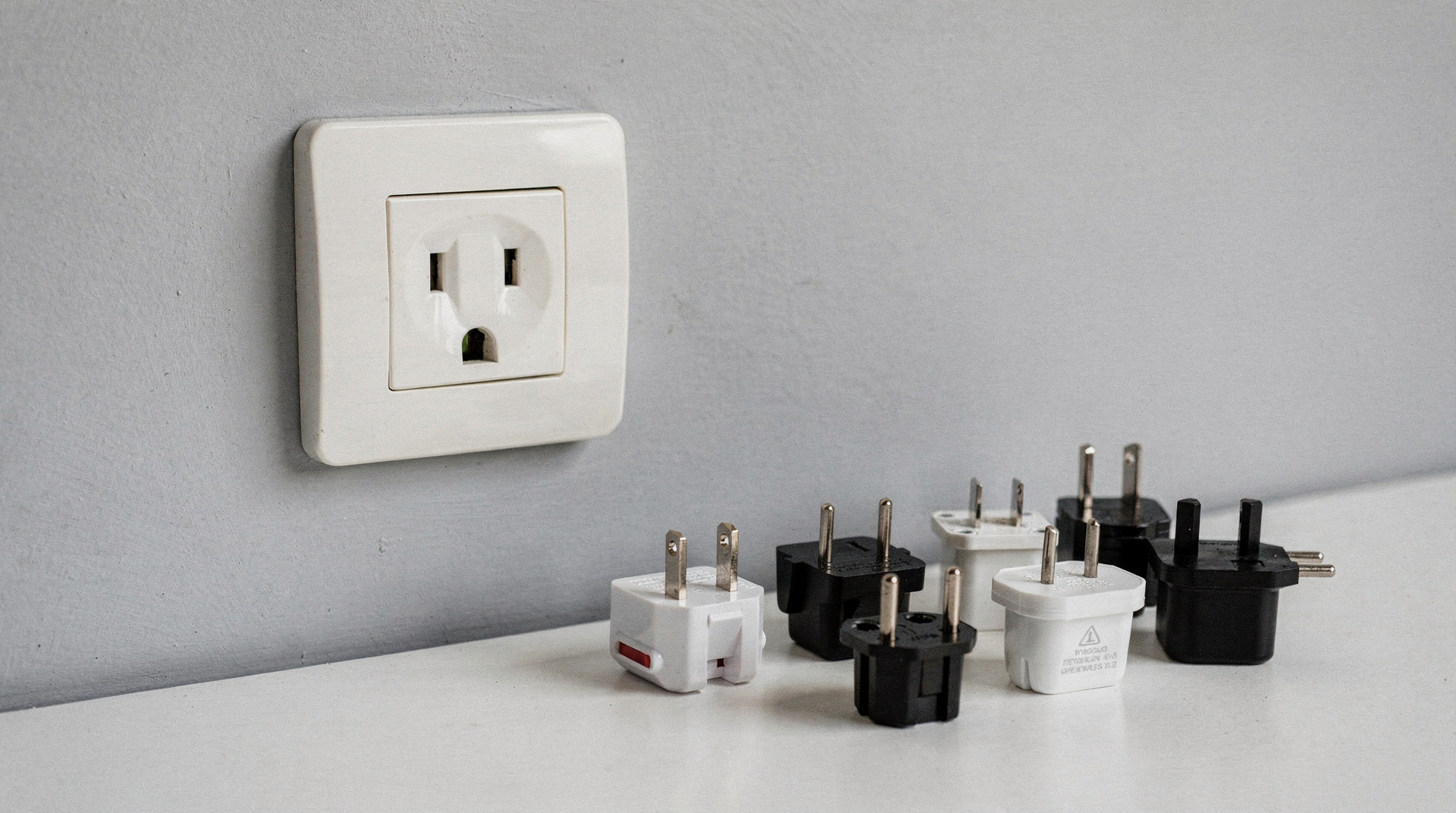
Electricity and plugs in New Zealand
New Zealand uses Type I plugs (angled flat pins) at 230V/50Hz. What adapter you need, which devices work without converters, and what to buy before you travel.
Last reviewed: